
Manage all your invoices in one user-friendly system.
Whether they’re recurring, direct, or item-specific invoices, everything is automatically recorded and linked. Stay in control, save time, and maintain a clear overview of your finances.
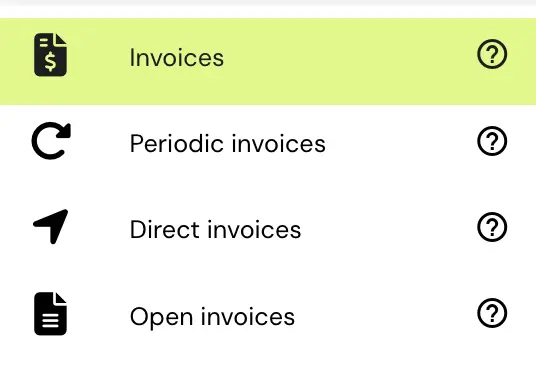
Whether it’s recurring, direct, or project-based invoices, the system adapts effortlessly to your business model, delivering flexibility and accuracy with every transaction.
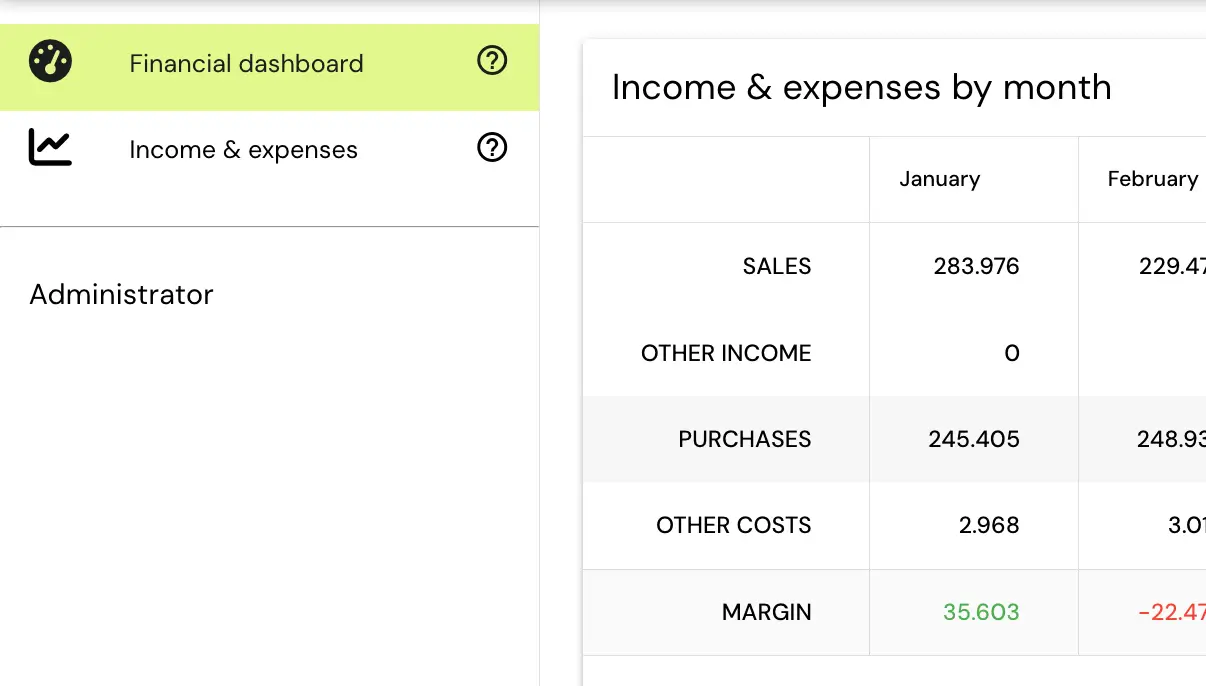
Get a clear, real-time overview of your results. View revenue, costs, and income company-wide, per customer, per work location, and even per activity.
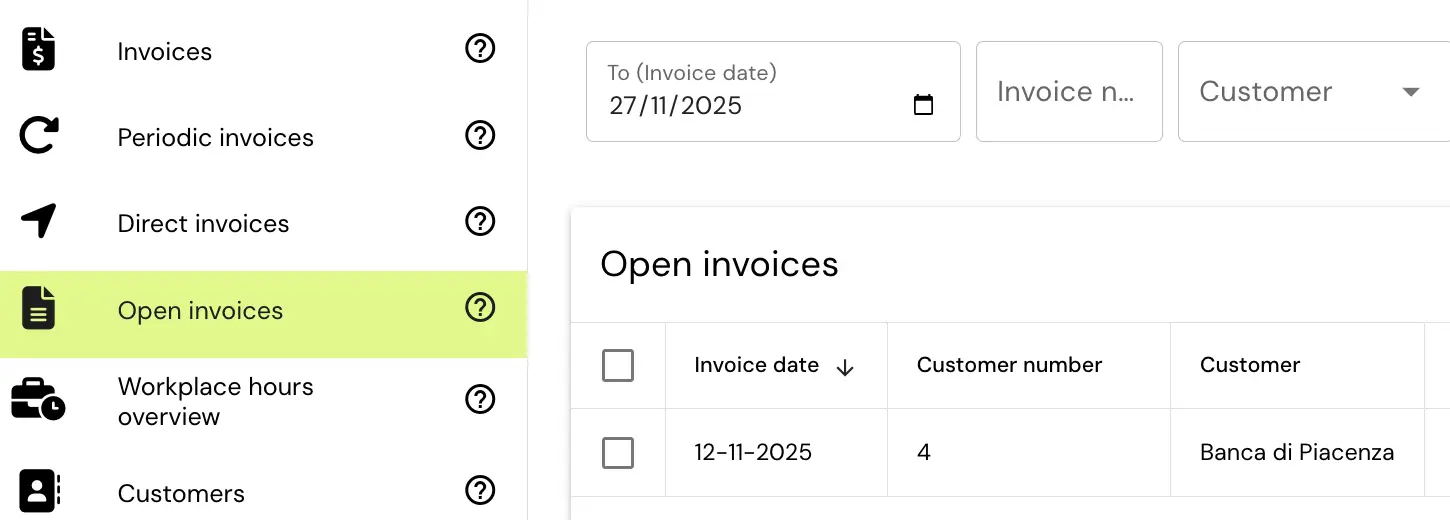
Gain complete insight into unpaid and pending invoices. Every invoice is automatically linked to payments, while smart reminders help you easily follow up with customers and maintain a healthy cash flow.
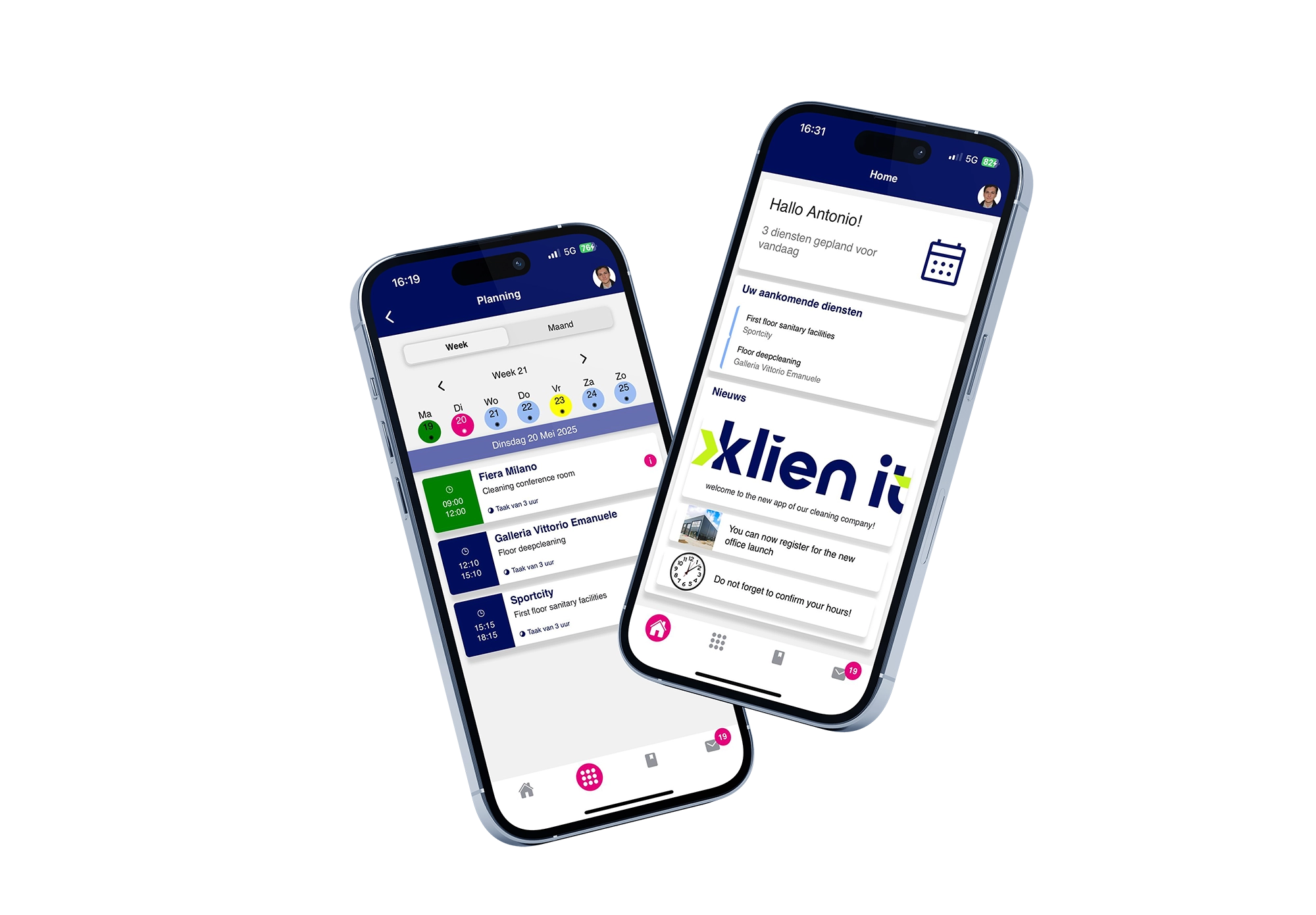
See how Klien IT automates your processes and frees up time for what truly matters. Schedule a demo and experience it for yourself.
Yes, absolutely! Thanks to the full integration of modules within Klien IT, you can easily and automatically create, edit, and send invoices.
For example, you can have standard monthly invoices generated automatically, while one-off orders or unit prices can be invoiced quickly as soon as the job is completed. Consumables charged to a customer are also automatically included in the invoice.
This saves you time, minimizes errors, and gives you a constant overview of all outgoing invoices. Fully integrated into a single, user-friendly system, you maintain control at all times, and nothing is sent out arbitrarily.
Creating an invoice is very easy in Klien IT. You can manually add a new invoice or select an automatically generated invoice and save it as a draft.
The invoice is automatically filled in based on the information pre-configured in the system, such as customer details, rates, and agreements. All you need to do is check that everything is correct before finalizing and sending the invoice.
Klien IT’s financial dashboards provide comprehensive and detailed insight into your organization’s financial performance. Because the system connects all business processes, you have instant insight into results for the entire company, as well as per customer, work location, and even per activity.
The financial dashboards operate in real time. This means you can immediately see the current balance after every invoice sent, purchase invoice entered, or hour logged. This gives you reliable figures at your fingertips, allowing you to manage, analyze, and optimize more effectively.
Within Klien IT, the integrated financial dashboards give you instant insight into your revenue, profit, and margins. The system automatically collects all relevant data from your organization—from hours worked and invoices sent to costs and materials used—and translates it into clear graphs and reports.
This gives you an at-a-glance overview of your company’s performance: company-wide, but also by customer, work location, or project. Because the dashboards are updated in real time, you always have the most up-to-date figures. This helps you better manage results and make timely adjustments where necessary.
Of course! At Klien IT, we’re convinced that you can only truly know if software is a good fit for your organization by experiencing it firsthand. During our demo, we’ll show you in detail how the software works, giving you a clear understanding of all the features and possibilities.
We also always offer a trial period. This allows you to test the software in practice within your own business processes. This way, you can discover for yourself whether the system suits your way of working and make a well-informed choice for the best IT solution for your organization.
Yes, support is included as standard with our software solutions. We offer support in various ways, so you can always get quick help if you have any questions.
Yes, support is included as standard with our software solutions. We offer support in various ways, so you can always get quick help if you have any questions.
Additionally, a telephone helpdesk is available for short and urgent questions. For more detailed support, you can always contact our support department by email. Our team is happy to help you get back up and running quickly and without interruptions.